
By SoundPrints · Updated · 3 min read
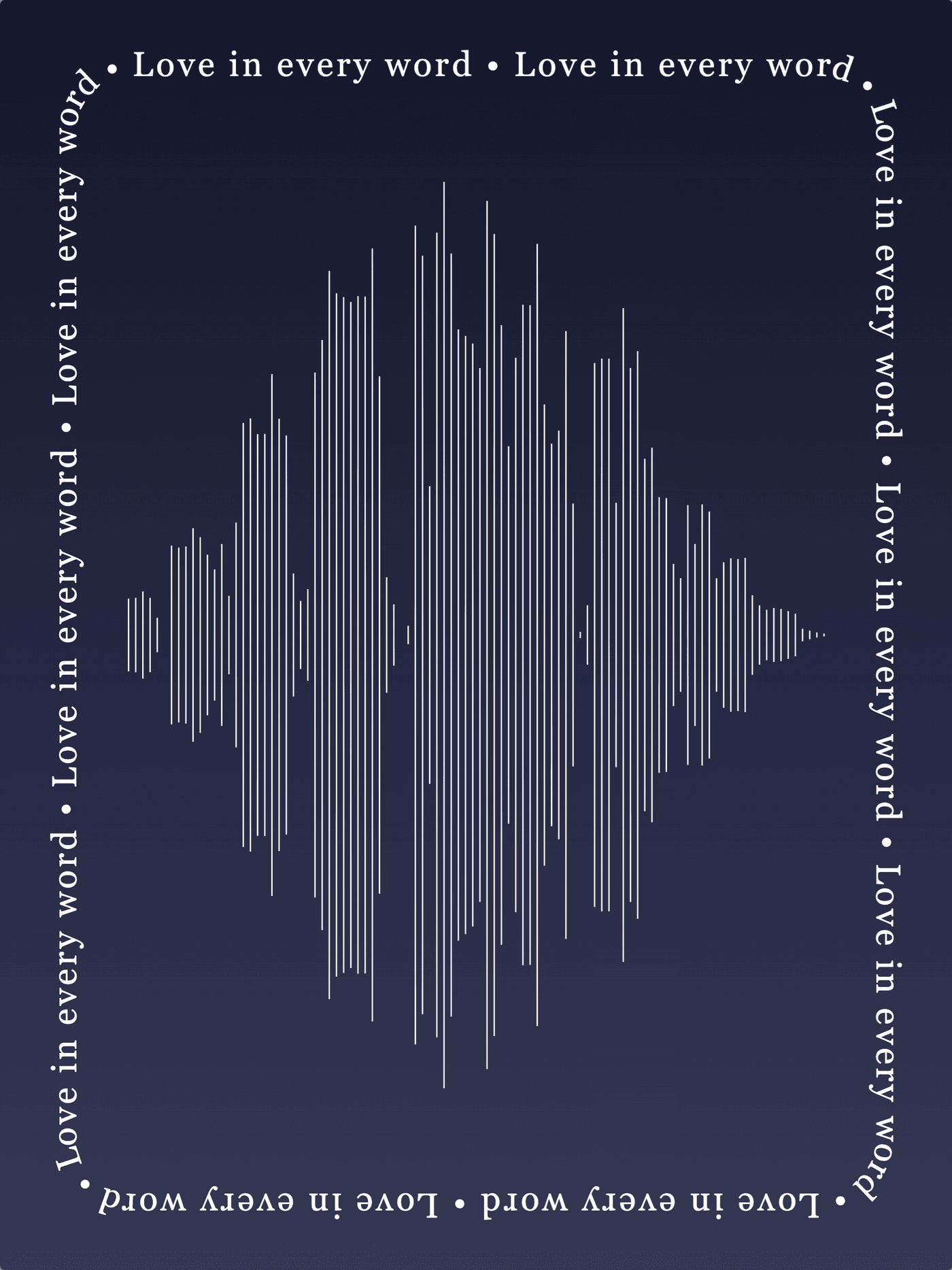
A soundwave shows how a recording changes over time. Louder moments usually create taller peaks, while pauses create space. A spoken message, a laugh or a few lines from a ceremony can make a more varied shape than a continuous tone. The most important choice is the recording you want to remember.
Start with a moment you want to keep
Listen before you design. Choose a phrase or passage that makes sense on its own, especially if you want a QR code to play it. A complete thought often works better than cutting off the beginning or end to get a particular shape. Keep a copy of the full original file so you can return to it later.
For a voicemail, preserve the original download rather than recording it through a speaker when you can. For a new recording, use a quiet room, hold the microphone steady and leave a little space before and after the words. You do not need a studio recording to make something personal.
Look for contrast in the sound
Speech naturally contains strong syllables and quieter spaces. These changes give a waveform its rhythm. Very loud, heavily compressed recordings can appear almost solid. Long stretches of silence leave open areas. Neither means the editor is broken: the artwork is responding to the recording.
Try a short section first, then adjust the selection in the audio editor. The preview helps you compare the visual shape with what you hear. Avoid choosing a section purely because it fills the canvas if it loses the moment that matters.
Upload audio or a video you already have
SoundPrints accepts audio uploads and supported video files. When your browser can read a video's audio track, the editor extracts it for the waveform. Video support depends on the file's codec and browser. If a file cannot be read, export its audio and upload that instead.
A YouTube link can be a QR destination, but it does not provide the audio used to draw your waveform. Upload a recording you have permission to use. Keep private recordings out of designs you plan to share publicly.
Check it before ordering
- Play the selected audio from beginning to end.
- Check that the waveform has the shape and level of detail you want.
- Read every text layer and border sentence carefully.
- Review the selected product and size, including its print edges.
- If you add a QR code, confirm that it opens the destination you intended.
You can start with the guided builder and open the full editor when you want more control. Change the look, colors and words after the recording is in place. Your original sound gives the artwork its meaning; the styling helps it fit your space.