
By SoundPrints · Updated · 3 min read
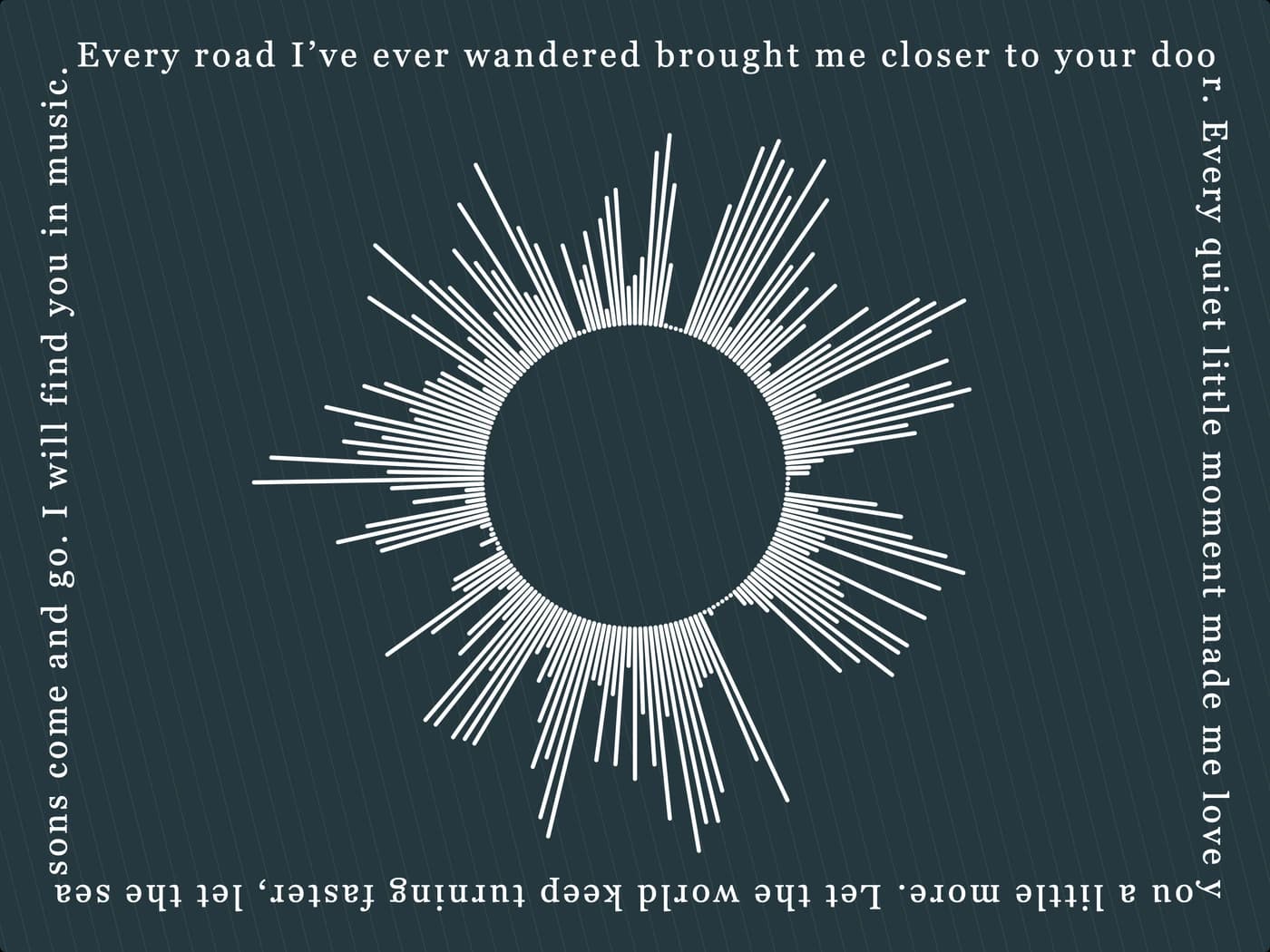
A SoundPrints playback QR opens a web address when someone scans it with a compatible phone camera. For newly created managed codes, that address belongs to SoundPrints and redirects to your uploaded recording by default. The audio is hosted online; it is not stored inside the printed code.
What happens when someone scans it?
The phone reads the code and offers to open a link. The destination then loads in a browser or a supported app. An uploaded audio file may open in the browser's player. A YouTube destination opens the linked video. An internet connection and an available destination are needed.
The waveform and the QR serve different purposes. The waveform is the visual design generated from your recording. The QR is a link to something someone can hear or visit. Removing the QR does not remove the soundwave artwork.
Can I change the link after ordering?
Yes, for a new managed SoundPrints QR. Sign in using the email associated with the order, open My Orders and select the paid order. In Your QR links, choose Change destination. You can restore the original uploaded audio or enter a public HTTPS link, including a supported YouTube video URL.
Save the change, then test the printed link. The SoundPrints address stays the same, so the existing code continues to work with its updated destination. Your printed artwork and the original waveform do not change. Older products whose codes point directly to an audio file cannot be converted just by editing a newer order.
Does a YouTube link create the waveform?
No. Upload audio or a supported video file to create your own waveform. The separate destination setting lets the QR open a YouTube video or another supported webpage. Check that the destination is accessible to the people who will scan it. A private page that requires your own account may not work for someone else.
Is playback private or permanent?
Treat the QR as a shareable link. Someone with the printed product or a readable photograph of the code may be able to open its destination. Avoid linking sensitive recordings that should not be accessible this way.
Keep your own recording and downloaded artwork. Hosting and third-party destinations are not guaranteed to remain available forever. If an external video moves or becomes unavailable, use the order controls to choose a working destination. The privacy policy explains how uploads and deletion requests are handled.
Before giving it as a gift
- Scan the code on the finished product with a phone camera.
- Listen to the destination and check that it is the right recording.
- Use clear lighting and keep the whole code in view.
- Contact support if the link or printed code does not work as expected.
A gift can still be meaningful without a QR. Add playback when hearing the moment will be part of the experience.